

How does a recipe get its photo?
When you add a recipe, you can upload your own photo, paste a photo link, or search free Pexels photos using the recipe title and ingredients. If an imported recipe has no picture, Home Cooked may choose a matching Pexels photo for you. It is a suggestion, so it may not look like your version of the dish.
You can change a photo whenever you edit a recipe you are allowed to update. If the current photo came from Pexels, its Photo URL usually contains the same photo ID number twice. Replacing both numbers lets you point the recipe to another Pexels photo.
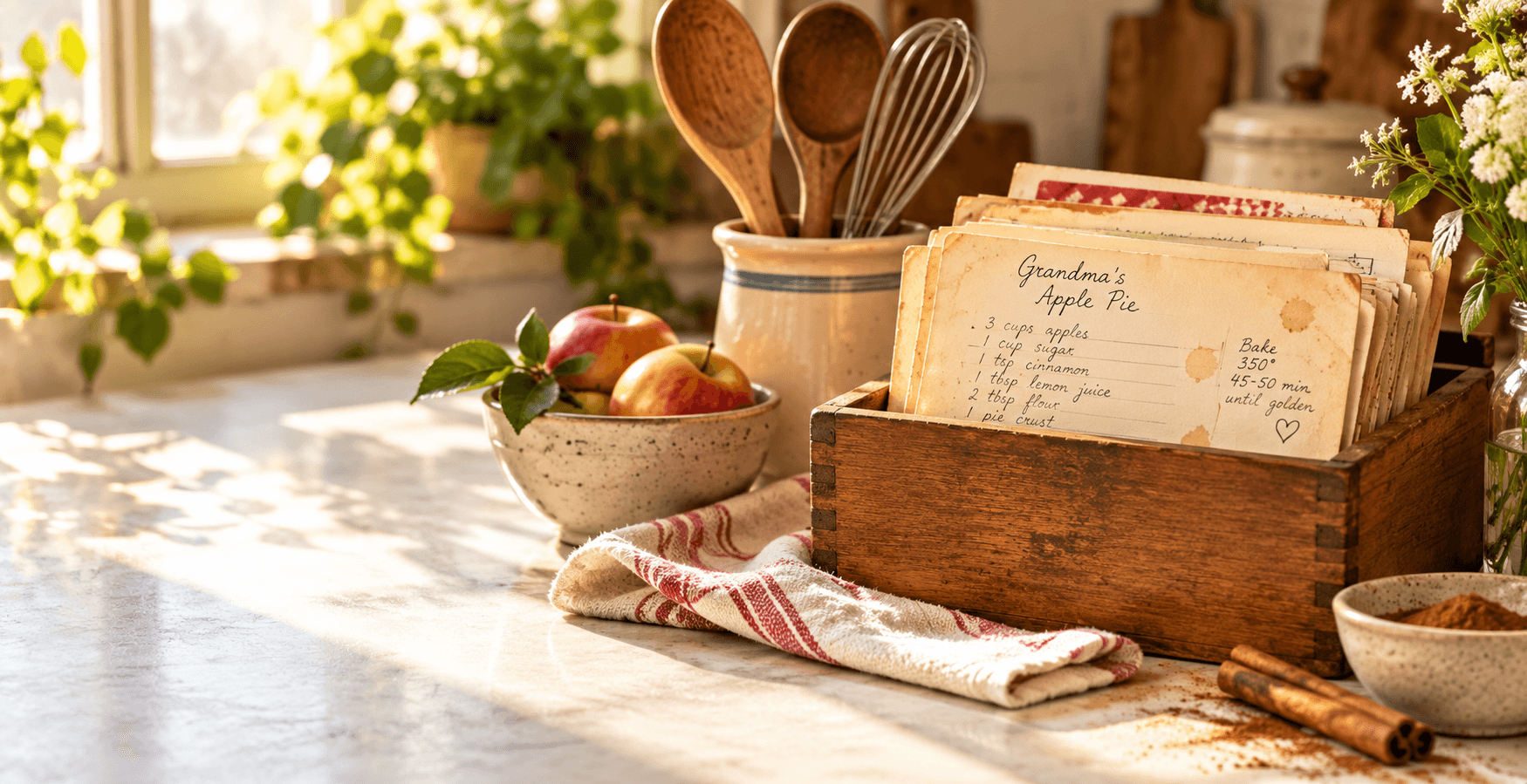
Choose the picture that feels most like the dish your family makes.
Find the photo you want on Pexels
Visit www.pexels.com and search for a dish or ingredient. Open a photo you like. The number at the end of its Pexels page address is its photo ID. For example, if the page address ends in -1234567, the ID is 1234567. The number here is only an example; use the number from your chosen photo.
Choose a photo that looks close to the food in your recipe. You can also use the Choose photo search in the Home Cooked recipe editor, which fills in the photo link and photographer credit for you.
Change the ID in both places
Open your recipe, choose Edit, and find Photo URL. A typical Pexels image link looks like this. The highlighted numbers are the two places to change:
https://images.pexels.com/photos/1234567/pexels-photo-1234567.jpeg?auto=compress&cs=tinysrgb&w=900&q=80Replace the highlighted number after /photos/ and again after pexels-photo- with your chosen photo's ID. Keep the rest of the address, including .jpeg and anything after the question mark. Both numbers must match. For example, an ID of 7654321 would start https://images.pexels.com/photos/7654321/pexels-photo-7654321.jpeg
Check the photo preview, then save the recipe. If it does not appear, check that you used a Pexels photo ID, changed both numbers, and did not remove a slash or the .jpeg ending. Some Pexels links use a different format; in that case, use Choose photo or paste the image address supplied by Pexels instead.
Keep the photographer in mind
Pasting or editing a Photo URL does not bring the new photo's photographer details into Home Cooked. The in-app Choose photo search adds that credit automatically. If you want your own food photo instead, upload it while editing the recipe.
A simpler way to keep everything together
Give the recipes you love a real home
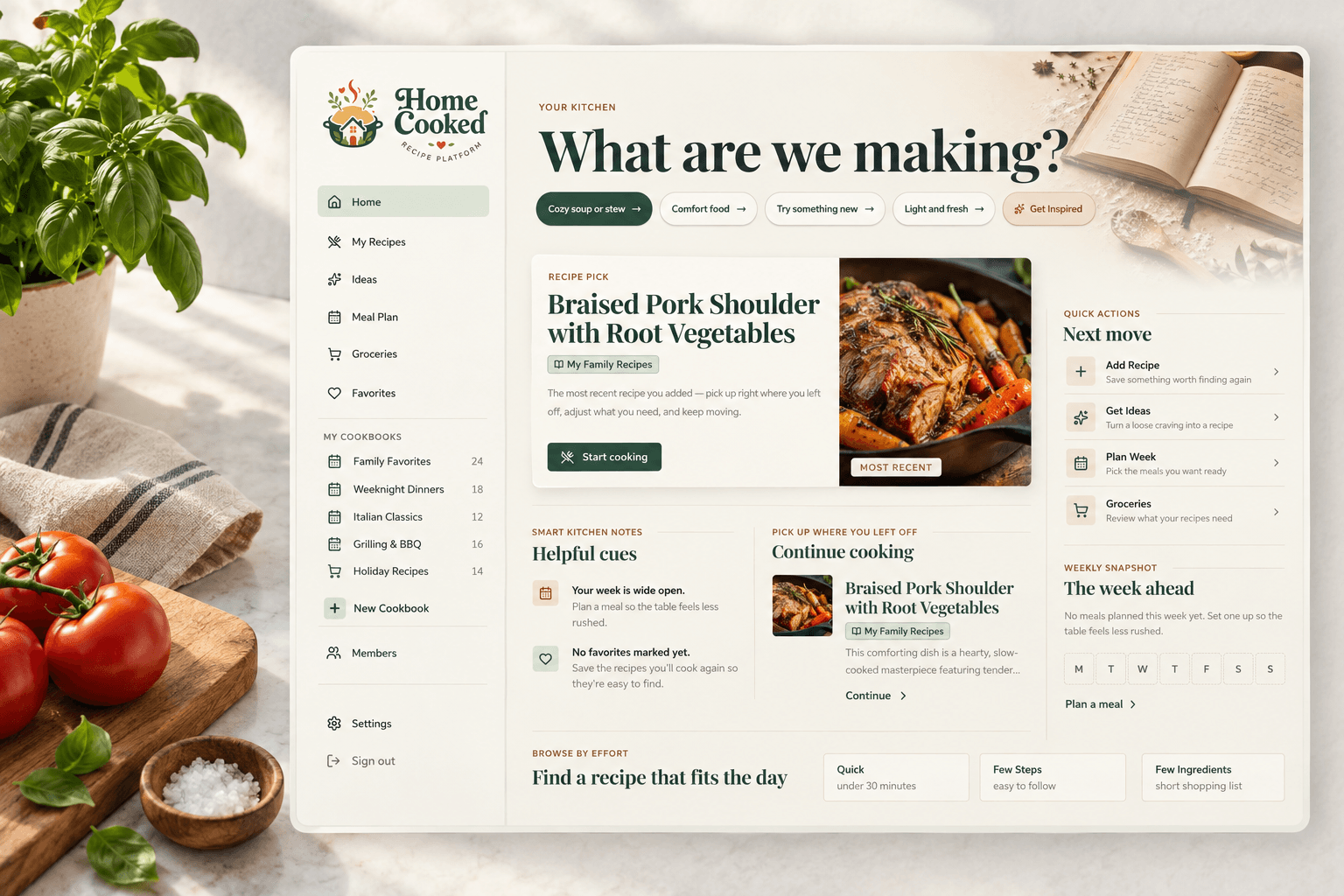
Home Cooked lets you collect recipes into cookbooks, add the notes that make them yours, and share individual recipes or a whole cookbook when the plan and your family’s needs make that a good fit.
Create your cookbook