Start with one useful purpose
Your first cookbook does not need to hold every recipe you have ever saved. Give it one job: the dinners your household relies on, a collection of baking projects, the recipes from a relative, or the meals you want to pass to someone starting out. A clear purpose makes the first choices easier and leaves room for another book later.
Choose a title that you will recognize at a glance. A family name, occasion, or practical promise can all work: The Ramirez Table, Weeknight Keepers, or Dad's Baking Notes. The title can be warm and personal, but adding a little context helps everyone know what belongs there.
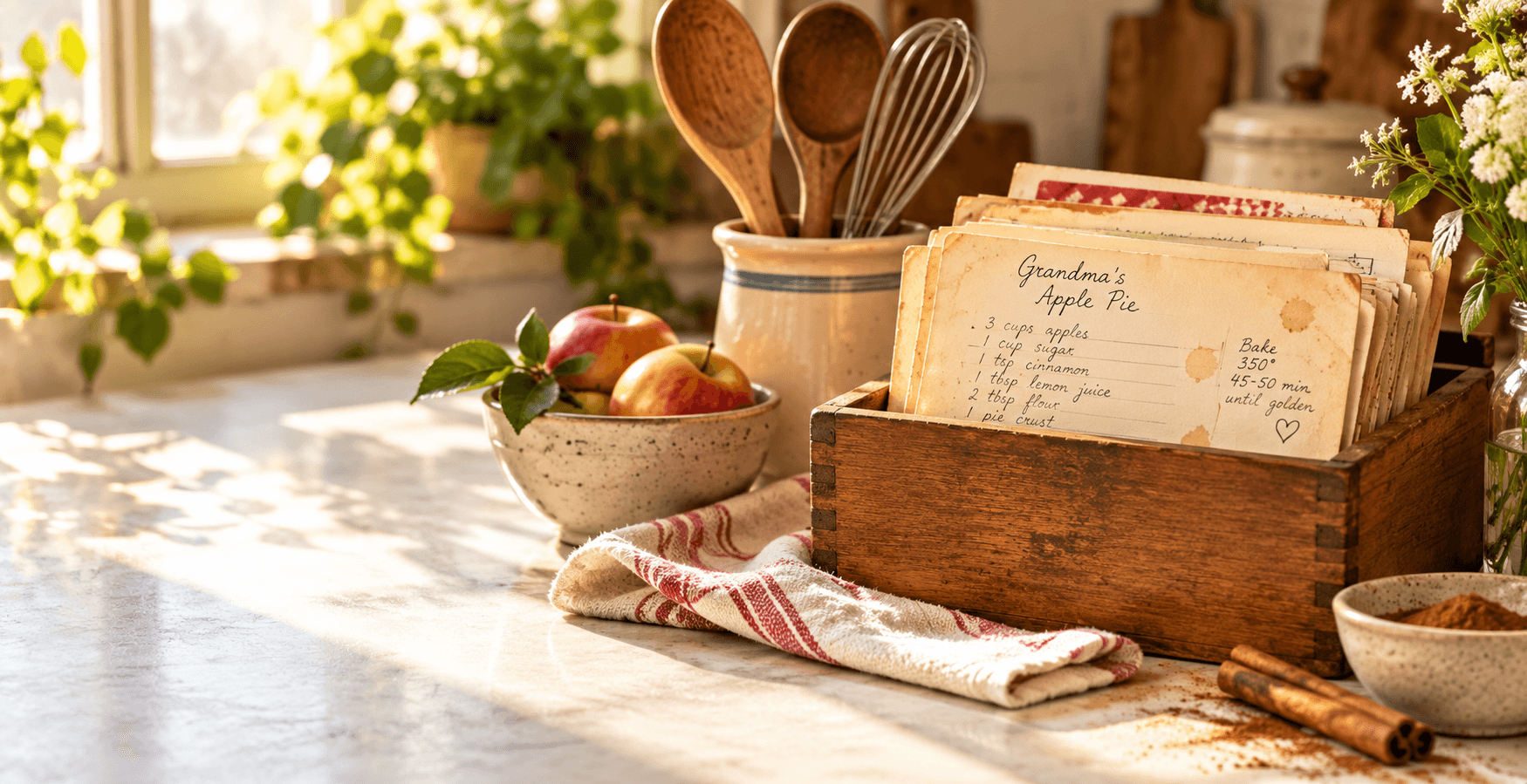
A first cookbook only needs a clear purpose and one recipe worth finding again.
Create the book and give it a little context
From your bookshelf, choose to create a cookbook. Add a title, then use the optional description to explain what the book is for. A short description is enough: Recipes we make when everyone is home, or Mom's cards and the versions we cook now. It gives future contributors a useful starting point.
Choose a cover color that makes the book easy to spot in your bookshelf. The cover is not a permanent editorial decision; it is simply a visual cue that helps the collection feel distinct when you have more than one book.
Add a small, useful first set
Begin with recipes that someone would genuinely look for this week. One reliable dinner, a favorite breakfast, a dessert everyone requests, or a dish connected to the book's purpose is enough to establish the collection. You can enter them by hand, copy and paste recipe text, or start from photos and files when that is the clearest source.
Do not wait until every detail is perfect. A recipe can begin with the information you know, then improve after you cook it or ask a relative a question. Add a source, note, or story when it matters, especially when the recipe came from someone else's card, website, or memory.
Let use shape the book
After adding a few recipes, notice how you look for them. Create or refine categories around real decisions such as Quick Dinners, Baking, Breakfast, or Holidays. Keep them broad at first. A category should make a recipe easier to find, not create another filing task.
Return to the book after you cook from it. Correct timing, add a photo, record a substitution, or write down the note that explains why the recipe matters. A Home Cooked book is meant to stay alive through cooking, not to be finished before anyone can use it.
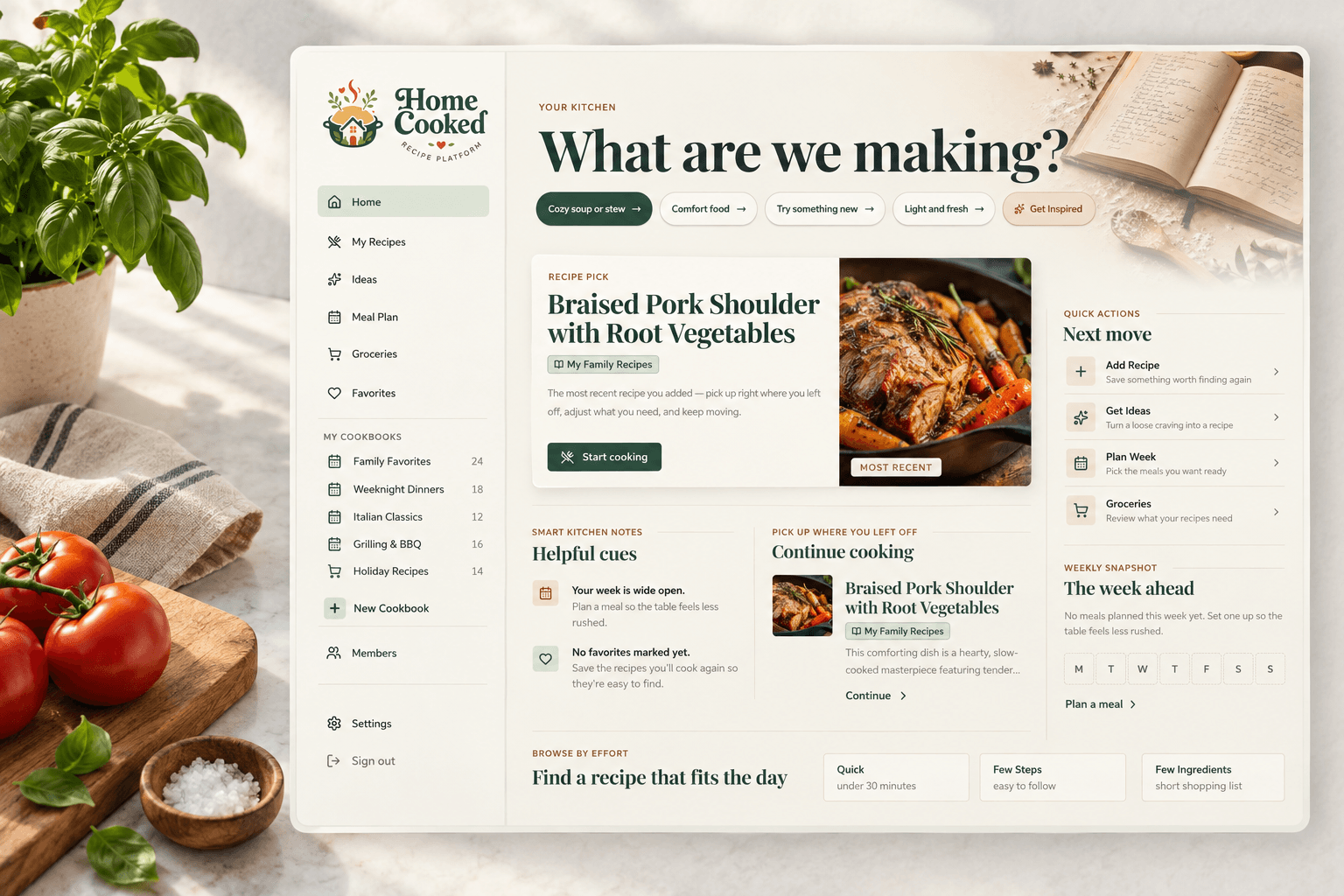
A simpler way to keep everything together
Give the recipes you love a real home
Home Cooked lets you collect recipes into cookbooks, add the notes that make them yours, and share individual recipes or a whole cookbook when the plan and your family’s needs make that a good fit.
Create your cookbook