

One cookbook, a place for everyone
Sharing a Home Cooked book gives the people you invite a common place to find recipes, cook from them, and add memories. Some people will bring new recipes. Others will simply want to make an old favorite and leave a note. Roles make room for both.
Each role belongs to a particular cookbook. You can be the Keeper of your own book and a Family member in someone else's. Inviting someone to one book doesn't give them access to your other books, and choosing Shared doesn't make the cookbook public.

Everyone can bring something to the table, even when they aren't bringing a new recipe.
Which role should you choose?
The person who creates a cookbook is its Keeper. Free includes invitations for up to 3 people as Family members. With Plus, choose Contributor or Family based on how they'd like to take part.
- Keeper: looks after the whole book. Keepers manage cookbook settings, invite and remove members, and add, edit, or delete any recipe. They can also react and add notes and memories.
- Contributor: helps the collection grow. Contributors can view the book, add recipes, and edit or delete recipes they added. They can react and add notes and memories, but can't edit someone else's recipe or manage members and book settings.
- Family: enjoys the collection and its stories. Family members can view recipes, react, and add notes and memories. They can't add or edit recipes or manage the cookbook.
A simple example
You create a Sunday Suppers book, so you're its Keeper. Your sister wants to add her lasagna and update the instructions after testing it: with Plus, invite her as a Contributor. Your dad wants to cook from the book and leave a memory about Sunday lunches: invite him as Family.
If your sister spots a missing ingredient in a recipe you added, she can leave a note for you. As Keeper, you can make the correction. Being a Contributor doesn't mean being able to rewrite everyone else's recipes.
First, turn on sharing for your book
Free lets you share your one cookbook with up to 3 other people as Family members; you are not counted in that limit. Plus includes unlimited sharing and Contributor invitations. The cookbook owner’s plan sets these limits. Recipients only need a free Home Cooked account, and joining a shared book does not use their allowance to create one of their own.
Open the cookbook you want to share and go to its settings. Choose Shared, then select Save sharing. This lets you invite people into that cookbook. They won't become members until they accept an invitation.
Send an invitation
Open the cookbook's Members page and select Add Someone. Enter the person's email address. Free invitations use the Family role; with Plus, choose Contributor or Family. Select Send invitation and Home Cooked emails them an invitation.
Ask them to open the invitation and sign in or create an account using the same email address you invited. After they accept, they'll have access to that book's recipes with the role you chose.
Invitations expire after seven days. Pending, unexpired invitations reserve a spot in your Free sharing limit. Canceling an invitation, letting it expire, or removing a member frees a spot. If someone hasn't joined, check the pending invitations on Members and confirm the email address with them. If an invitation has expired, send a new one. If it went to the wrong address, cancel the pending invitation and send a new one.
A simpler way to keep everything together
Give the recipes you love a real home
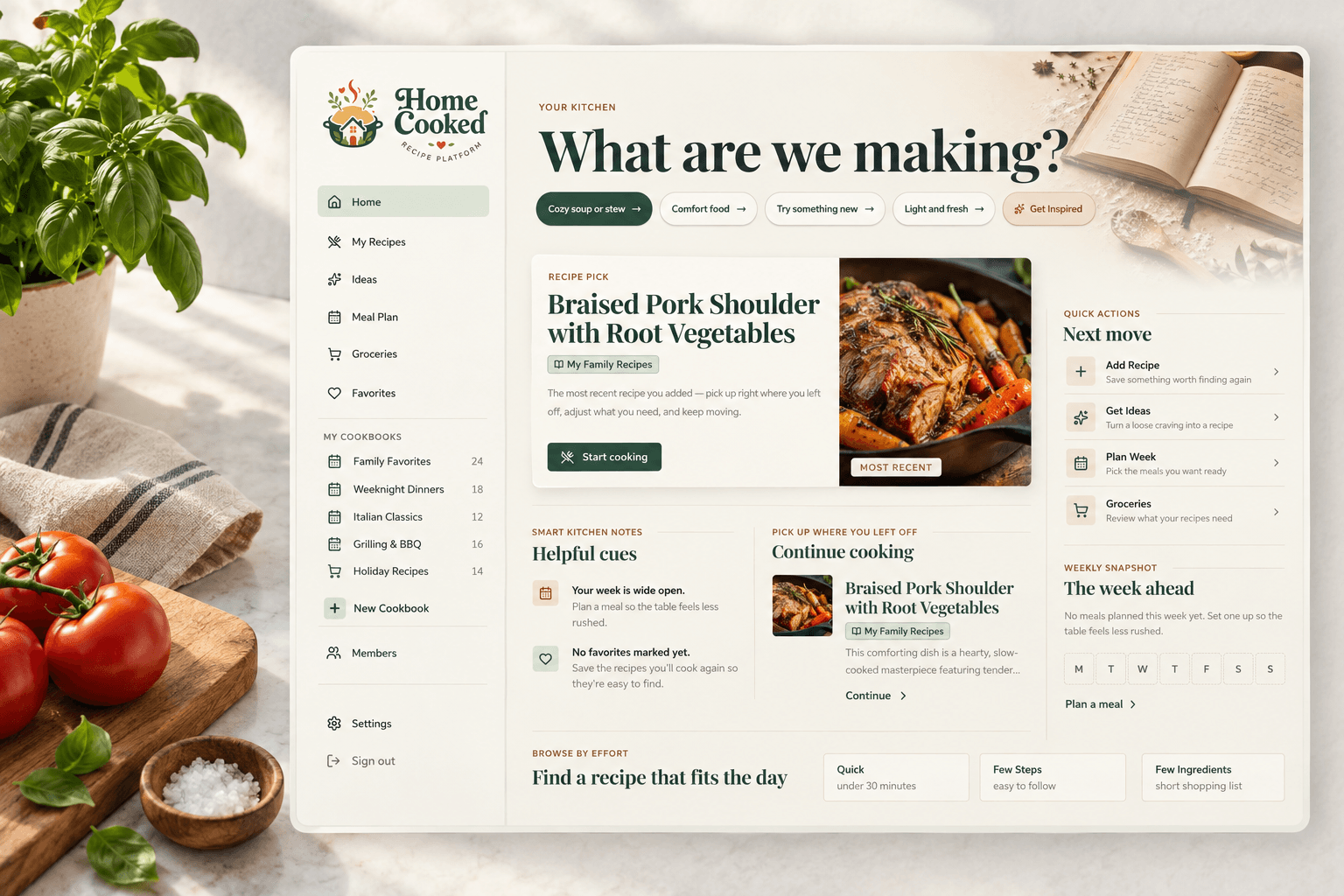
Home Cooked lets you collect recipes into cookbooks, add the notes that make them yours, and share individual recipes or a whole cookbook when the plan and your family’s needs make that a good fit.
Create your cookbook